Create Interactive Travel Newsletters
Travel newsletters become powerful engagement tools when readers can click directly from destination photos to booking links, watch embedded destination videos, and access interactive maps that enhance their journey planning experience. Upload your travel PDF to Issuu and easily add clickable hotspots that connect stunning location imagery to hotel reservations, tour bookings, or travel package purchases, while embedded video content brings destinations to life with virtual tours and traveler testimonials. Capture leads from wanderlust-driven readers through strategically placed forms offering exclusive travel deals, destination guides, or early access to new itineraries.
Convert your Travel Newsletter now
 Drag & Drop
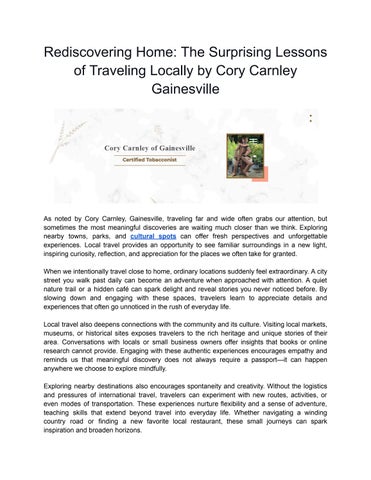
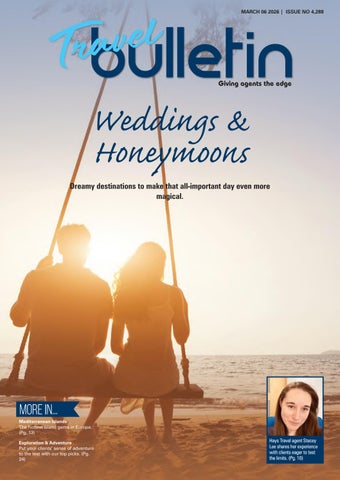
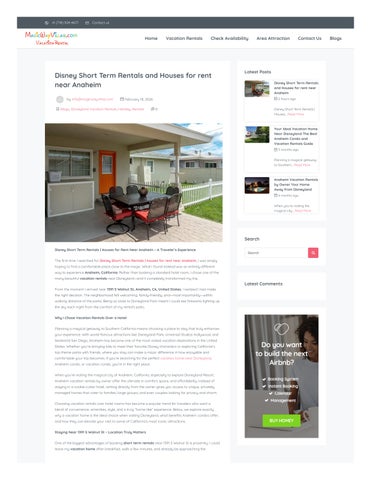
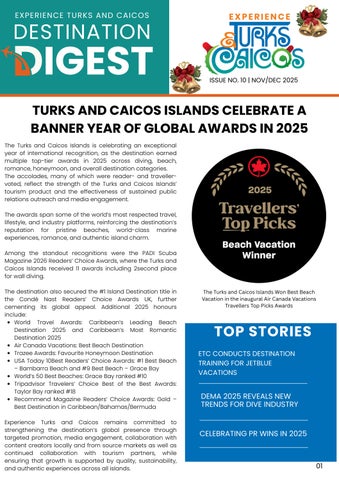
Popular Travel Newsletters






Frequently asked questions
Here's a quick list of commonly asked questions about Issuu
How do I add booking links and destination videos to my travel newsletter PDF?
After uploading your travel newsletter PDF to Issuu, you can add interactive hotspots directly to any page by clicking on images or text areas where you want to place links or embed videos. Simply paste your booking URLs, hotel reservation links, or video embed codes into the hotspot editor. The interactive elements will automatically work in your flipbook, allowing readers to click from destination photos straight to booking pages or watch destination videos without leaving your newsletter.
Can I track which travel destinations and booking links get the most clicks?
Yes, Issuu's analytics provide detailed tracking of reader engagement with your interactive travel newsletter. You can see which pages readers spend the most time on, which booking links generate the most clicks, and geographic data showing where your readers are located. This helps you understand which destinations resonate most with your audience and optimize future travel content accordingly.
How can I capture leads from people interested in my travel packages?
You can add lead generation forms throughout your interactive travel newsletter to gate premium content like exclusive itineraries, travel guides, or special booking discounts. When readers want to access this valuable travel information, they'll provide their contact details, which you can use for follow-up marketing of travel packages, destination updates, or personalized trip recommendations.
What's the best way to share my interactive travel newsletter with potential travelers?
Issuu provides multiple sharing options for your travel newsletter including direct URL links, social media sharing, email distribution, and QR codes for print materials. You can also embed your interactive travel newsletter directly on your travel website or blog using copy-and-paste embed codes, making it easy for visitors to explore destinations and book trips without leaving your site.