Create Interactive Architecture Portfolios
Architecture portfolios demand visual storytelling that static PDFs simply cannot deliver, but Issuu bridges this gap by enabling architects to embed walkthrough videos directly into their project pages, add clickable hotspots that link to construction details, material specifications, or client testimonials, and create seamless navigation between related projects through interactive elements. Professional architects can showcase their design process through embedded time-lapse construction videos, link directly to 3D model viewers, building information systems, or sustainability certifications, while maintaining the polished presentation quality that clients and firms expect. Gate your most impressive case studies or detailed project specifications behind lead capture forms to identify potential clients, collaborators, or employers who are genuinely interested in your architectural expertise and design philosophy.
Convert your Architecture Portfolio now
 Drag & Drop
Popular Architecture Portfolios
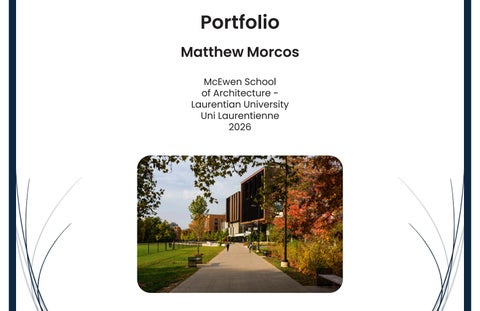
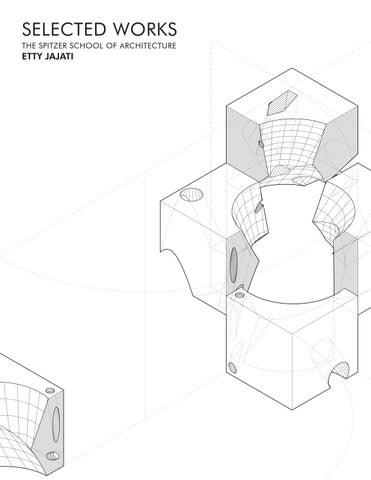
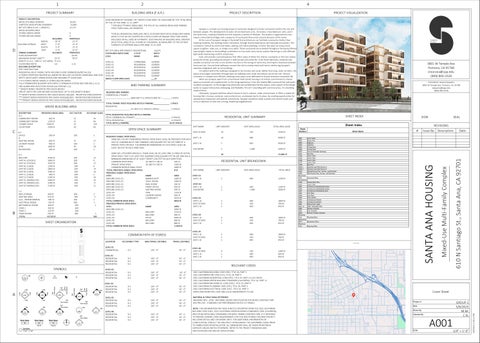
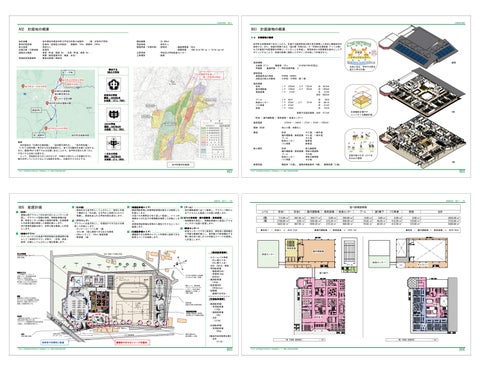
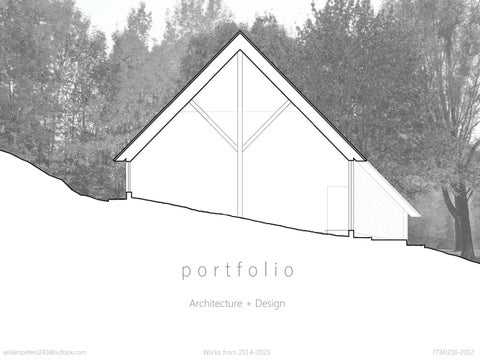 Portfolio_Architecture+Design_wipeters_issuu draft
Architecture Portfolio
williampeters.design.portfolio




Frequently asked questions
Here's a quick list of commonly asked questions about Issuu
How can I add construction videos and project walkthroughs to my architecture portfolio?
After uploading your architecture portfolio PDF to Issuu, you can embed videos directly into any page by adding interactive hotspots. These embedded videos can showcase construction progress, virtual building tours, or design process documentation that plays within your portfolio. This allows viewers to watch project walkthroughs without leaving your portfolio presentation.
What types of links work best in an interactive architecture portfolio?
Architecture portfolios benefit from clickable links to 3D models, detailed floor plans, material specifications, sustainability certifications, and client websites. You can add interactive hotspots that link to external project documentation, building information modeling systems, or even your firm's main website. These links can point to any external URL or navigate to other pages within your portfolio.
Can I track which projects in my portfolio get the most attention from viewers?
Yes, Issuu provides detailed analytics showing which pages viewers spend the most time on, how long they engage with embedded videos, and their geographic location. This data helps you understand which architectural projects resonate most with your audience and which interactive elements drive the highest engagement. You can see exactly how viewers navigate through your portfolio.
How do I capture leads from potential clients viewing my architecture portfolio?
You can use Issuu's lead generation feature to gate premium content like detailed case studies, technical specifications, or exclusive project documentation behind forms that capture viewer information. This helps identify seriously interested potential clients, employers, or collaborators who want access to your most comprehensive project details. Forms can be strategically placed before your best work to maximize lead quality.